Open Today Sales: 9 AM-8 PMOpen Today Service: 7 AM-7 PM
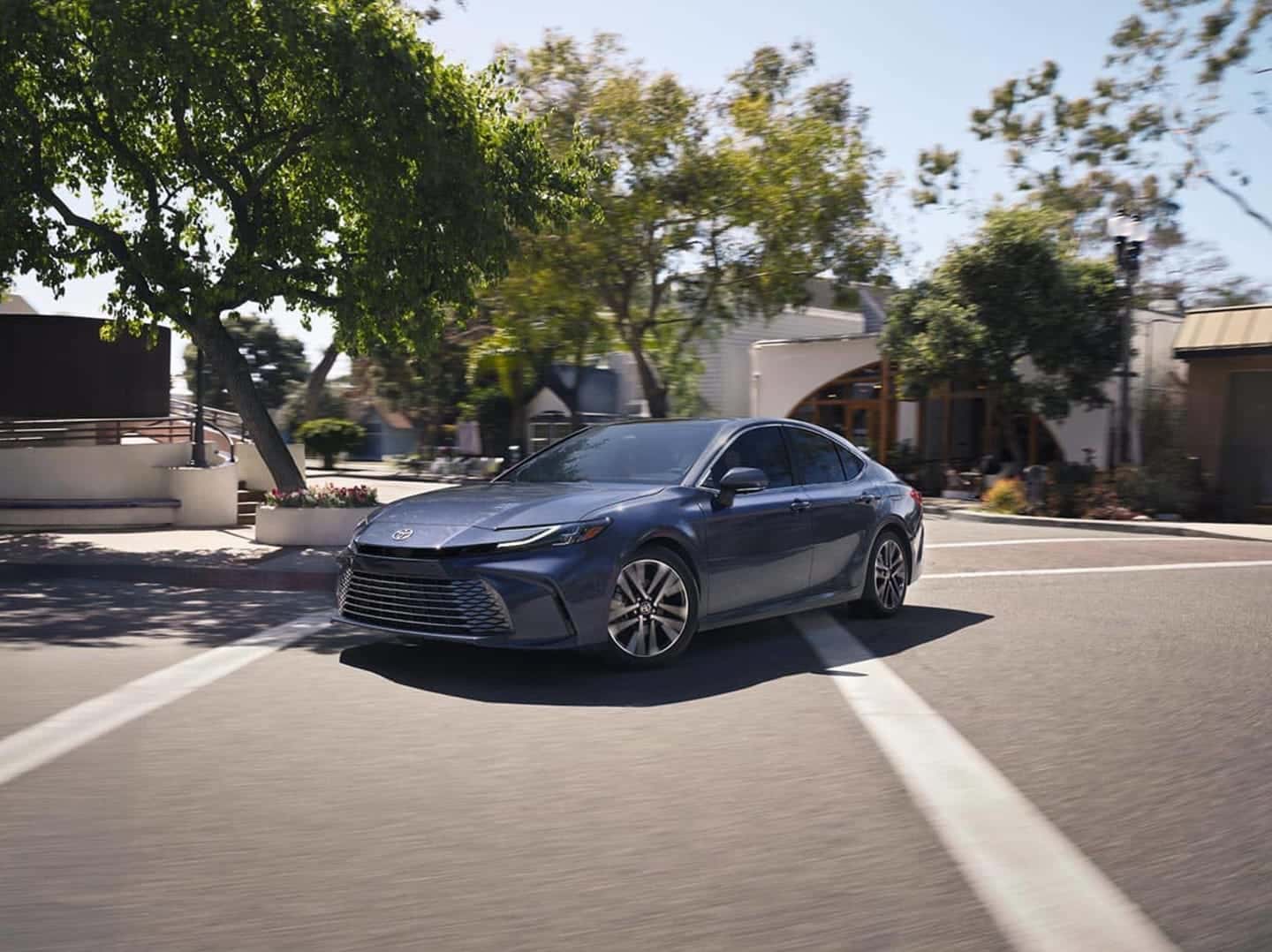
Toyota takes safety on the road very seriously, and it’s reflected in models from the Toyota Camry to larger models like the RAV4 and the Highlander. Not only does the brand make well-constructed, reliable vehicles, but it also offers hands-free calling, which you can utilize in the newCamry. Toyota Camry Bluetooth allows you to make and receive calls and listen to music without taking your hands off the wheel on the streets of The Woodlands. If you’re wondering how to connect Bluetooth to your Toyota Camry, continue reading this guide from the team at Gullo Toyota of Conroe!
Connecting your smartphone to your Toyota Camry via Bluetooth is easier than you might think. Here’s how to connect Bluetooth to a Toyota Camry:
Are you having trouble connecting your Toyota Camry Bluetooth and your smartphone? Contact our service team online or give us a call at (936) 442-4160! We’ll answer any questions you may have and help you schedule a service appointment at our service center near Montgomery.
Once the Camry Bluetooth is paired with your smartphone, your phone book and contact history will be automatically downloaded. Here’s a quick overview of what you can do with the Bluetooth system in your Camry:
From helping you connect the Toyota Camry Bluetooth with your smartphone to addressing simple and complex maintenance issues, the service team at Gullo Toyota of Conroe is here to help. If you’re shopping for a new Toyota Camry in Conroe, check out our brand-new Camry inventory and new vehicle specials for opportunities to save.
The 2026 Toyota 4Runner continues the legacy of one of the automaker’s most capable and popular SUVs, blending rugged performance, a tech-focused interior, and unmatched style for all your The Woodlands drives. Whether you spend your weekends on the trails beyond Spring or your weekdays navigating Montgomery streets, this latest incarnation of the 4Runner delivers the versatility,…
The Toyota 4Runner blends rugged capabilities with practical features, making it a popular model in The Woodlands and the surrounding areas. If you are interested in this vehicle, learn more about it with Gullo Toyota of Conroe. Contact us to arrange a test drive at our dealership, and let us know if you have any questions! View Toyota…
One of the most widely celebrated compact SUVs in the country, the Toyota RAV4 is arguably better than ever. Now in its sixth generation, this model has evolved from a gas-powered vehicle to a plug-in hybrid (PHEV) that is designed to impress. You’ll reduce your carbon footprint and fuel expenses without forsaking power when…